
-40%
Next-Gen Creators: Apps & Web Development (Part 2)
About This Course
ব্লক কোডিং থেকে রিয়েল-ওয়ার্ল্ড ক্রিয়েশন! 📱🌐
আপনার সন্তান কি ইতিমধ্যে কোডিং-এর বেসিক জানে বা আমাদের Part 1 কোর্সটি শেষ করেছে? তাহলে এবার সময় এসেছে নেক্সট লেভেলে যাওয়ার! Z-TechX নিয়ে এলো Next-Gen Creators (Part 2) যেখানে বাচ্চারা সরাসরি মোবাইল অ্যাপ এবং ওয়েবসাইট তৈরি করা শিখবে।
🎯 এই অ্যাডভান্সড পার্টে বাচ্চারা যা শিখবে:
-
- MIT Application Development (12 Meetings): কাস্টম অ্যান্ড্রয়েড মোবাইল অ্যাপ তৈরি করে নিজের ফোনে চালানো!
- No-Code Web Design with Google Sites (12 Meetings): জটিল টেক্সট কোডিং ছাড়াই ড্র্যাগ-অ্যান্ড-ড্রপ করে সম্পূর্ণ ফাংশনাল ও চমৎকার ওয়েবসাইট ডিজাইন করা এবং তা লাইভ পাবলিশ করা!
এই ২৮টি ক্লাসের জার্নি আপনার সন্তানকে কেবল একজন কনজিউমার থেকে একজন পুরোদস্তুর টেকনোলজি বিল্ডারে রূপান্তরিত করবে। 🚀
💎 Course Highlights:
- Duration: 28 Advanced Meetings
- Prerequisite: কোডিং-এর সাধারণ ধারণা বা স্ক্র্যাচ গেম মেকিং-এর অভিজ্ঞতা থাকতে হবে।
Learning Objectives
Design and develop real mobile applications using MIT App Inventor.
Master visual web development using Google Sites without writing confusing code.
Understand page layouts, color coordination, and user navigation interface design.
Embed real multimedia assets like interactive maps, videos, and dynamic forms.
Launch and publish a live portfolio website that is entirely responsive across phones and desktops.
Material Includes
- Access to 24 Live Gamified and Guided Designing Meetings
- Ready-made Google Sites layout themes and visual assets
- Downloadable graphic design packs for app buttons and site banners
- Official Z-TechX Graduation Certificate for Part 2
Requirements
- Must have completed "Kids Coding Foundations: Blocks & Games (Part 1)" or have equivalent basic coding block knowledge.
- A computer with stable internet and a standard web browser (Chrome recommended).
- A basic, active Google/Gmail account (needed to access Google Sites).
- No text-based programming or previous web background required!
Target Audience
- Kids aged 6-13 who want to build apps and design websites using a visual, fun method.
- Young learners who prefer a creative, drag-and-drop approach over typing textual syntax.
- Students who finished Part 1 and want to rapidly see their ideas turn into real, usable web links.
Curriculum
22 Lessons24h
MIT Application Development (12 Meetings)
Introduction to MIT App Inventor & Setting up the Emulator
UI Basics: Buttons, Labels, and Images on Phone Screen
Making a Text-to-Speech Talking App (যা লিখবেন ফোন তাই মুখে বলবে!)
Working with Layouts: Designing a clean App Interface
Building a Digital Crayon Soundboard App (ক্লিক করলেই পিয়ানোর সুর বাজবে)
Canvas & Drawing: Creating a custom Paint/Doodle App
Phone Sensors: Shaking the phone to Clear the screen
Building a Smart Counter App with Reset buttons
Texting & Alerts: Creating custom Notifiers and Popups
Building a fun Whack-a-Mole Game on mobile
Fine-tuning your mobile app and optimizing performance
Your own APP presentation
Web Design with Google Sites (12 Meetings)
কোনো কোডিং ছাড়াই সম্পূর্ণ ড্র্যাগ-অ্যান্ড-ড্রপ করে ব্যানার, গ্যালারি এবং বিভিন্ন পেজ যোগ করে একটি পূর্ণাঙ্গ ওয়েবসাইট বানিয়ে ইন্টারনেটে লাইভ করার মডিউল।
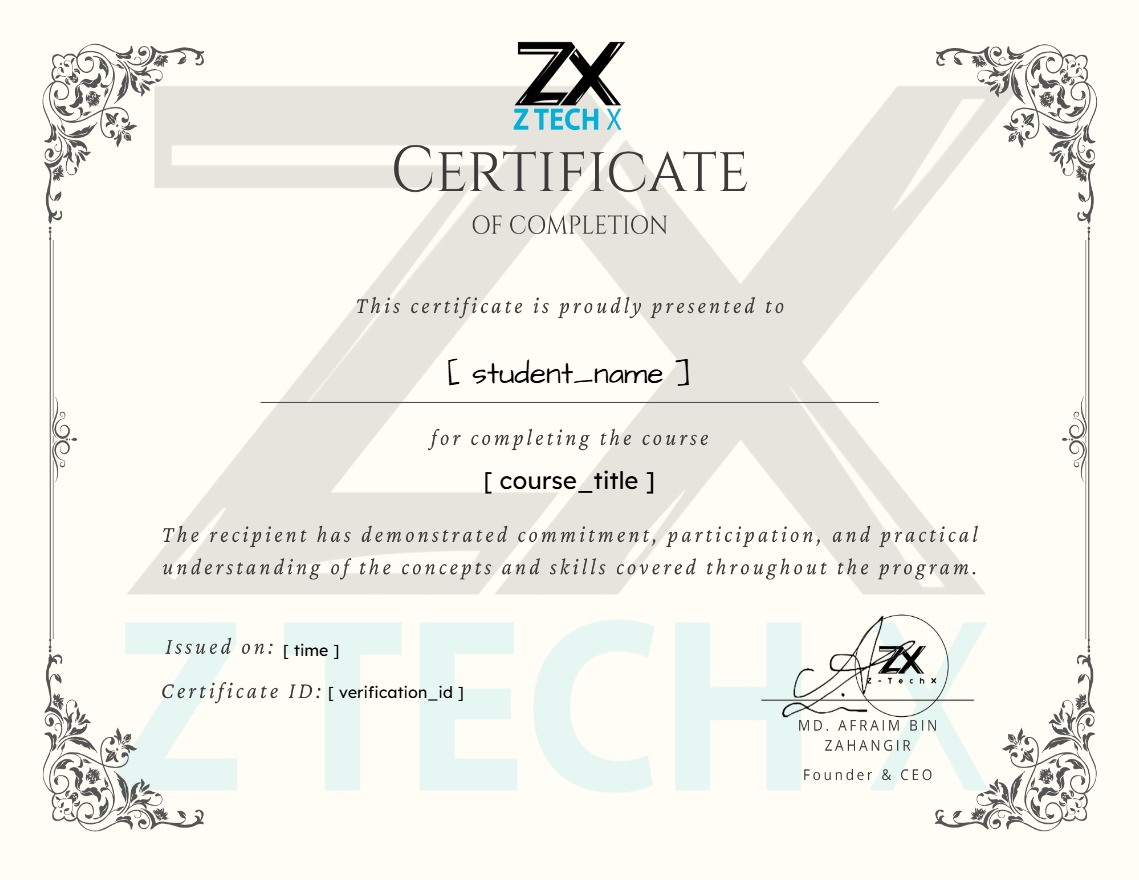
Earn a certificate
Add this certificate to your resume to demonstrate your skills & increase your chances of getting noticed.
Your Instructors

ztechX
See more
5,999.00৳ 10,000.00৳
Material Includes
- Access to 24 Live Gamified and Guided Designing Meetings
- Ready-made Google Sites layout themes and visual assets
- Downloadable graphic design packs for app buttons and site banners
- Official Z-TechX Graduation Certificate for Part 2
-63%

Kids Coding Foundations: Blocks & Games (Part 1)
5,599.00৳ 15,000.00৳